Log a meal before it gets cold.
Search, scan a barcode, snap the plate, or say it. Set the exact portion and keep your regulars one tap away. Search and barcode are free and unlimited.


Free: unlimited food search, barcode scanning, and workout logging. No ads.
Premium: $1.99/month or $14.99/year for Coach, AI logging, and full history. 7-day free trial for new subscribers where available.
- Free and unlimited
- Search, barcode, and saved foods.
- Sources shown
- Barcode results show their database and year.
- Real portions
- Grams, the label serving, pieces, or cups.
- AI you check
- 5 credits a month on Starter; review every estimate.
What are the ways to log food?
Use the fastest honest one for the meal in front of you. A packaged snack is a barcode. A home-cooked dinner is a saved recipe. A restaurant plate with no label is a photo estimate you then correct.
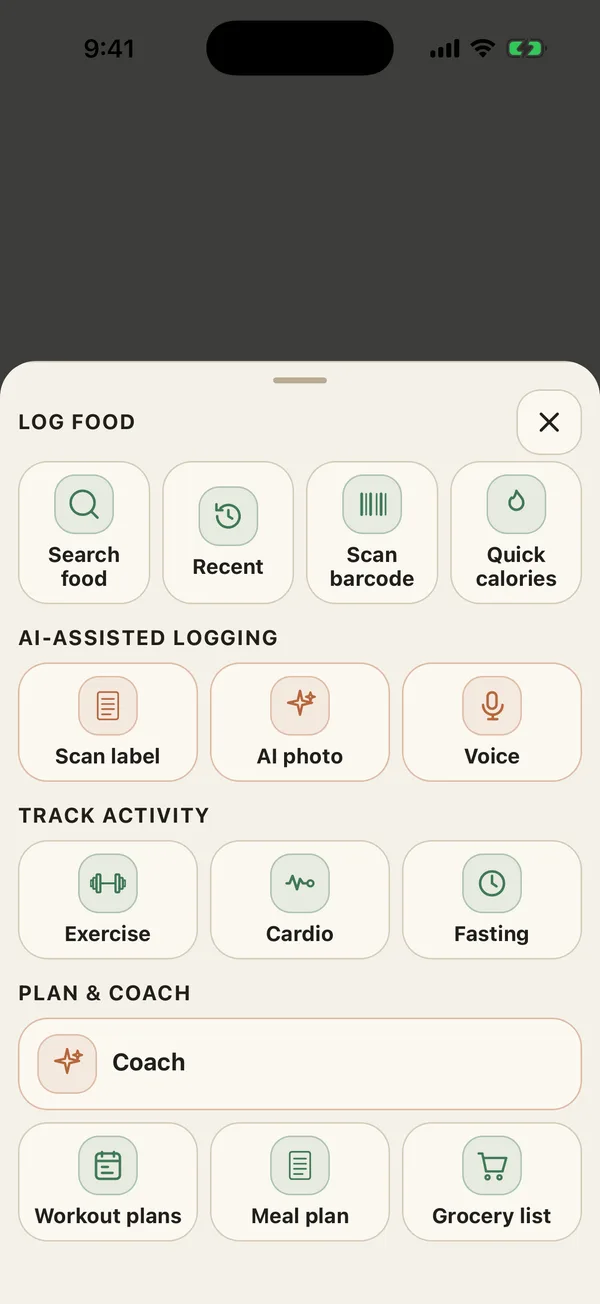
-
Search
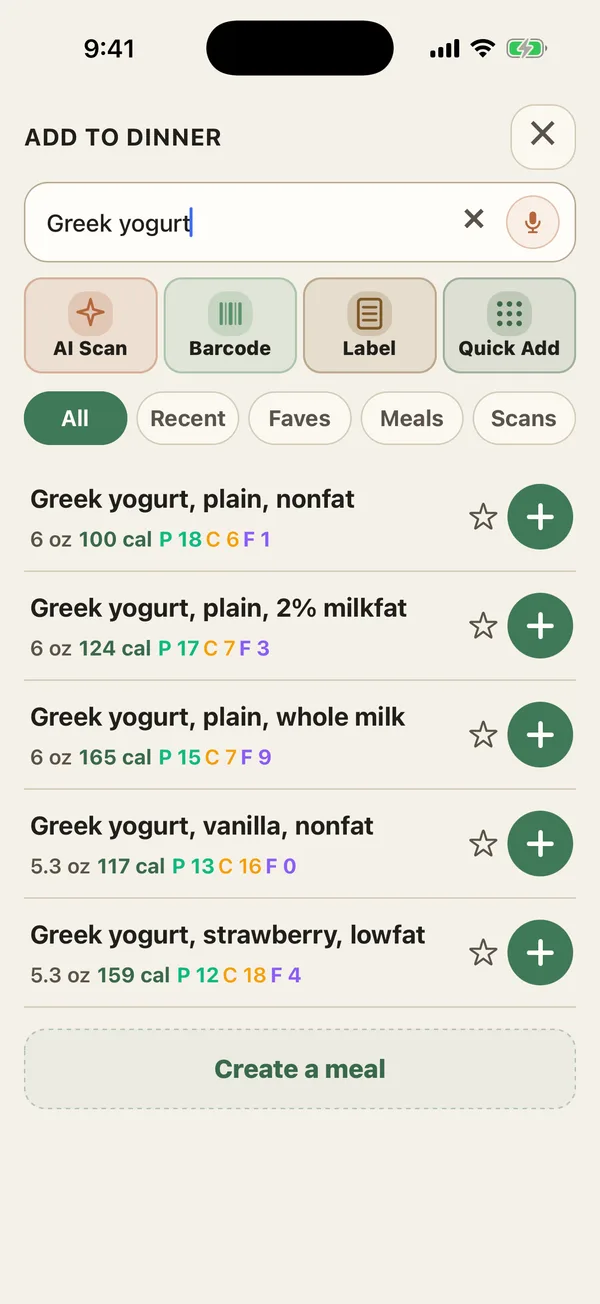
One search across FatSecret, USDA FoodData Central, Open Food Facts, and your own foods.
-
Barcode
Unlimited and free. Shows where the data came from and how old it is.
-
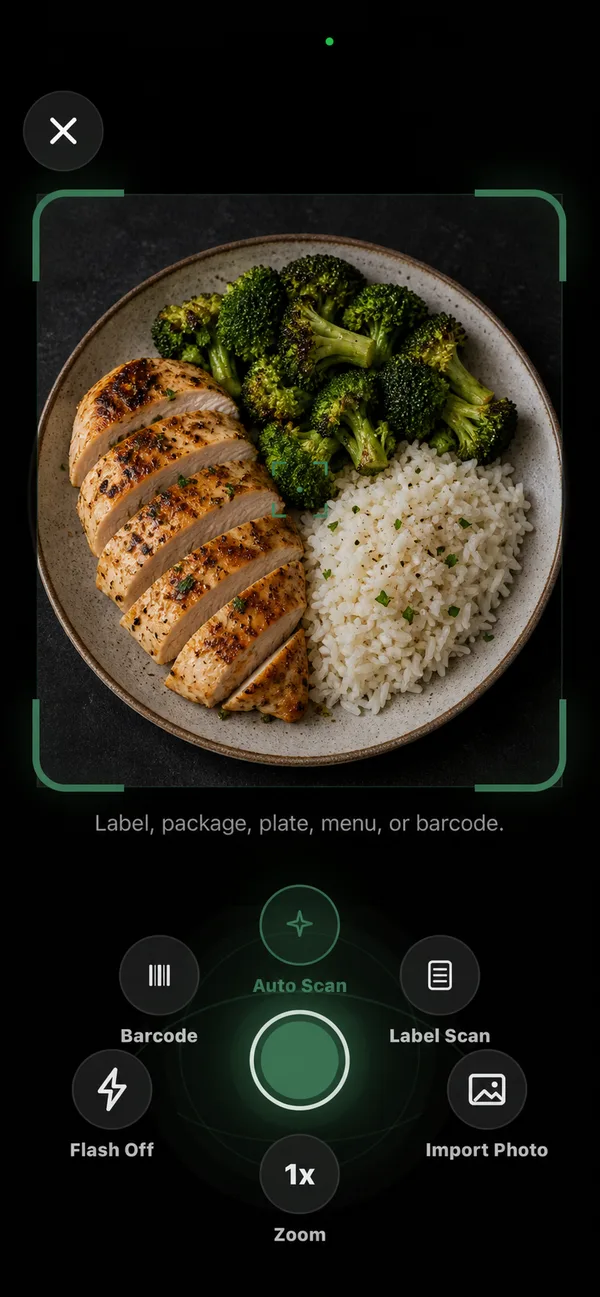
Label, photo, and voice
AI-assisted. A label or photo scan costs 1 credit; a voice entry costs 2.
-
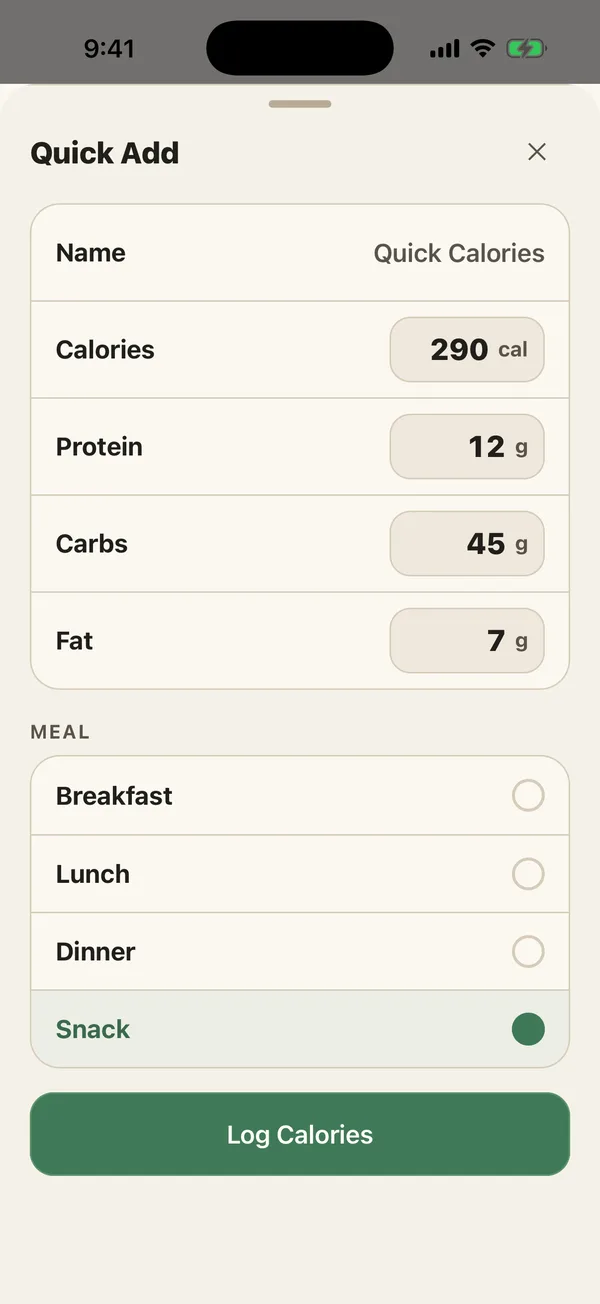
Quick Calories
Name it and type calories and macros. For when you already know the numbers.
How do search and barcode scanning work?
Type a food and PlateStack searches several databases at once, including the USDA’s FoodData Central, then puts your own saved and recent foods near the top. Results marked Verified come from our checked list.
Scan a barcode and three databases are asked in parallel. A result whose calories do not add up from its protein, carbs, and fat is thrown out. You then see the match with its source and year, such as “Open Food Facts · 2022”, and a Verify with label button if the numbers look off. No match? Scan the label instead.
How do I get the portion right?
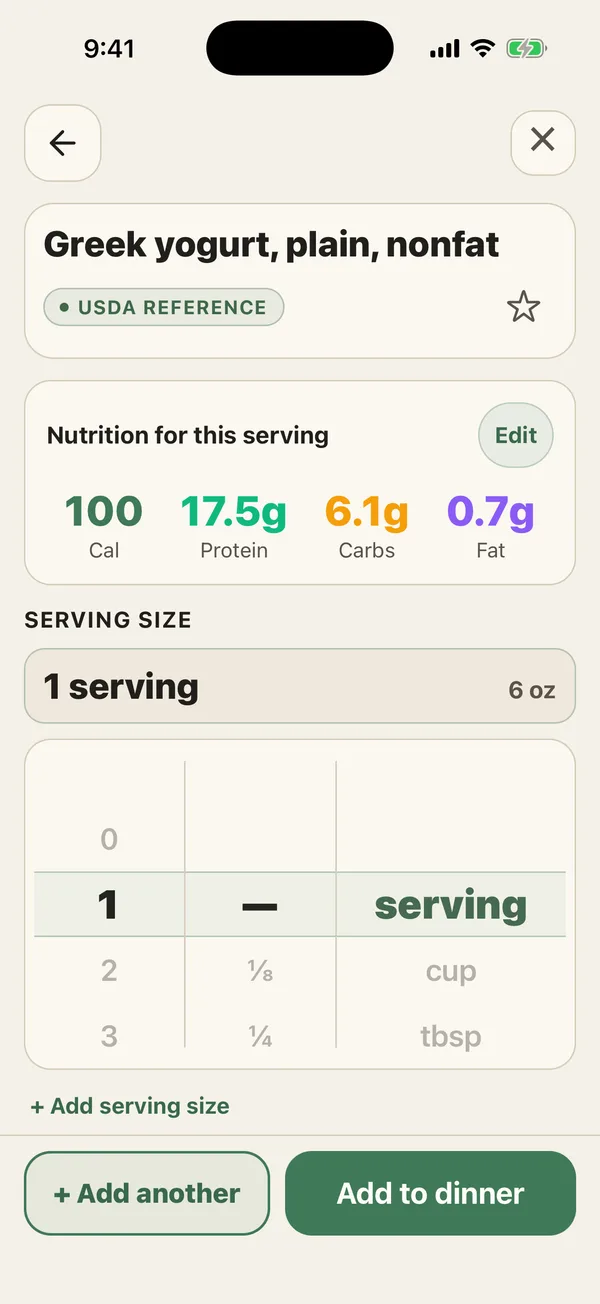
Turn the serving wheel. Choose grams, the label serving, one piece when the label counts pieces, a household measure like a cup, or ounces. Calories and macros update as it turns.
Worth knowing: the serving on a Nutrition Facts label is not a recommendation of how much to eat, says the FDA, and NIDDK notes that a portion is how much you actually choose to eat. Log the portion, not the label. A kitchen scale and the grams option is the most precise way.
Eat a food in a size the database does not have? Tap Add serving size, name it, and give its weight. It is there next time.
How does AI photo, label, and voice logging work?
Point the camera at a plate, a menu, a package, or a nutrition label, or say what you ate. PlateStack sends it to our AI service and returns a list of foods and portions. Then you review: untick anything it got wrong, change a portion, or tap “Not right? Swap” before saving.
Starter includes 5 AI credits a month. A photo or label scan uses 1; a voice entry uses 2, one to transcribe and one to read it. Premium includes AI logging, metered by fair-use limits. Food photos are kept privately in your account so the log entry keeps its picture.
How do I log the meals I eat every week?
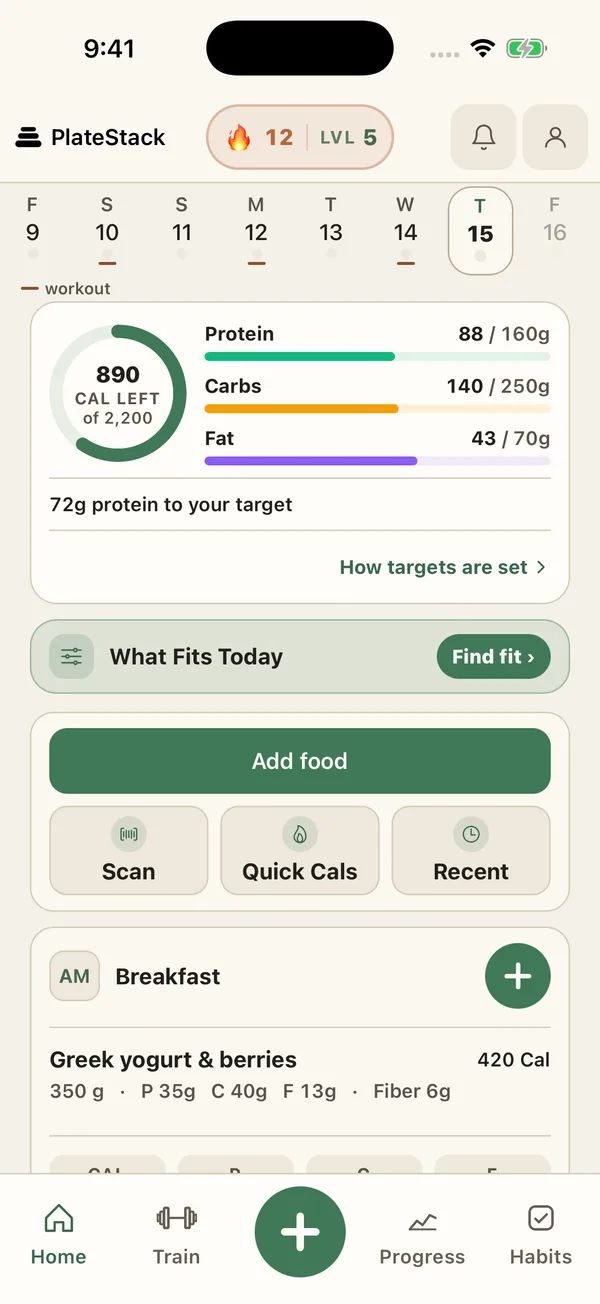
Save them once. Saved foods, saved meals, and recipes are unlimited on Starter, and a recipe shows its calories and macros per serving. On Home, each meal has a Copy last button and your recent foods for that meal.
Eat the same breakfast most days? Set it to repeat on the days you choose. It appears as a one-tap shortcut, and it is never logged unless you tap it.
Meals are breakfast, lunch, dinner, and snacks. Turn snacks off, or log the whole day in one list if you do not think in meals.
Common questions.
- Is food logging free in PlateStack?
- Yes. Search, barcode scanning, Quick Calories, the serving picker, and saved foods, meals, and recipes are free and unlimited. Photo, label, and voice logging use AI credits: 5 a month on Starter, included with Premium.
- Where does PlateStack’s food data come from?
- From FatSecret, the USDA’s FoodData Central, Open Food Facts, and foods other PlateStack users have scanned, plus your own saved foods. A barcode result shows its source and year, so you know how current it is.
- What happens if a barcode is not found?
- PlateStack offers to scan the nutrition label instead, scan again, or search by name. Nothing is logged until you confirm it.
- Can I create my own food?
- Partly. There is no separate food builder. Quick Calories logs any name with your own calories and macros, you can correct the numbers on any food and save it as a favorite, and you can add your own serving sizes.
- Are AI photo estimates accurate?
- They are estimates. Every one opens on a review sheet where you can remove items, change portions, or swap a match before anything is saved.
Sources
- FoodData Central (U.S. Department of Agriculture)
- How to Understand and Use the Nutrition Facts Label (U.S. Food and Drug Administration)
- Food Portions: Choosing Just Enough for You (National Institute of Diabetes and Digestive and Kidney Diseases, NIH)
Log your next meal here.
Install PlateStack and scan the next thing you eat. Search and barcode never cost anything. Choosing a tracker? Read the free macro tracker guide.
Free: unlimited food search, barcode scanning, and workout logging. No ads.
Premium: $1.99/month or $14.99/year for Coach, AI logging, and full history. 7-day free trial for new subscribers where available.