Get PlateStack free.
Food, workouts, cardio, and habits in one app. iPhone, Apple Watch, and Android. No ads.


Free: unlimited food search, barcode scanning, and workout logging. No ads.
What Premium adds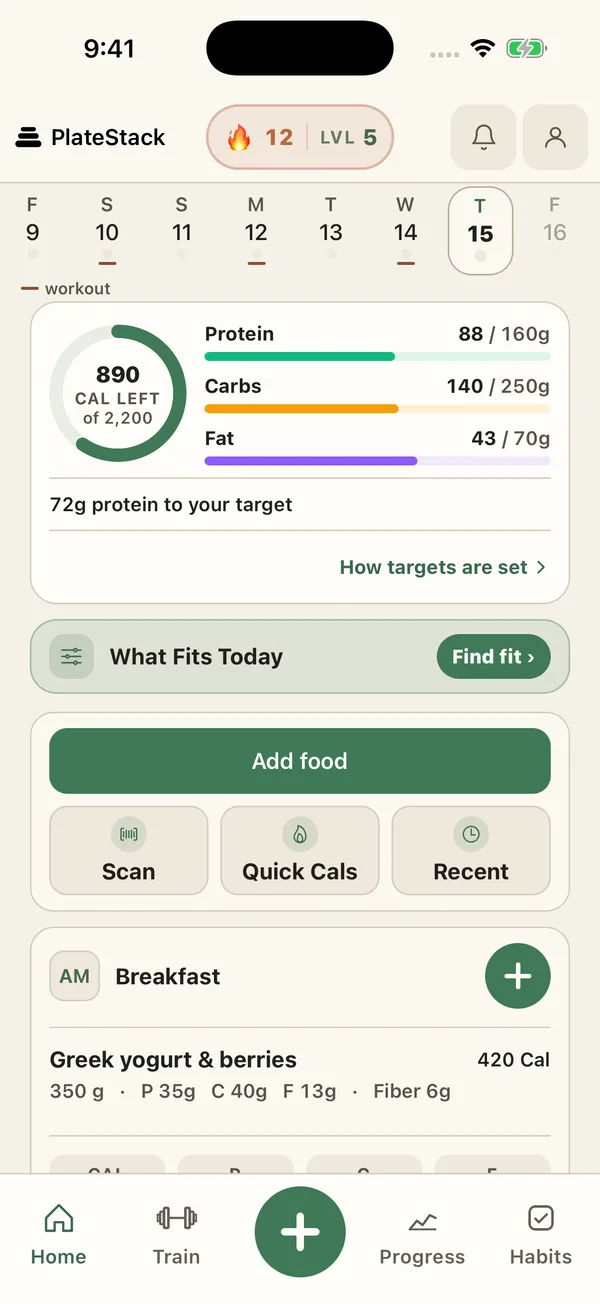
Before you install.
Optional permissions are asked for only when you use the feature. No ads, no data sales.
- Device
- iPhone, with an optional Apple Watch app, or an Android phone.
- Account
- Sign in with Apple (iPhone), Google, or email.
- Network
- Needed for sync and AI estimates.
- Camera
- Optional. Requested only when you choose a scan.
- Microphone
- Optional. Requested only when you choose voice logging.
- Connected health
- Optional. Apple Health on iPhone, Health Connect on Android. Asked only when you connect.
- Age
- For adults 18 and over.
- Cost
- $0 to start. Premium is $1.99 monthly or $14.99 yearly.
Your first ten minutes.
Step 1
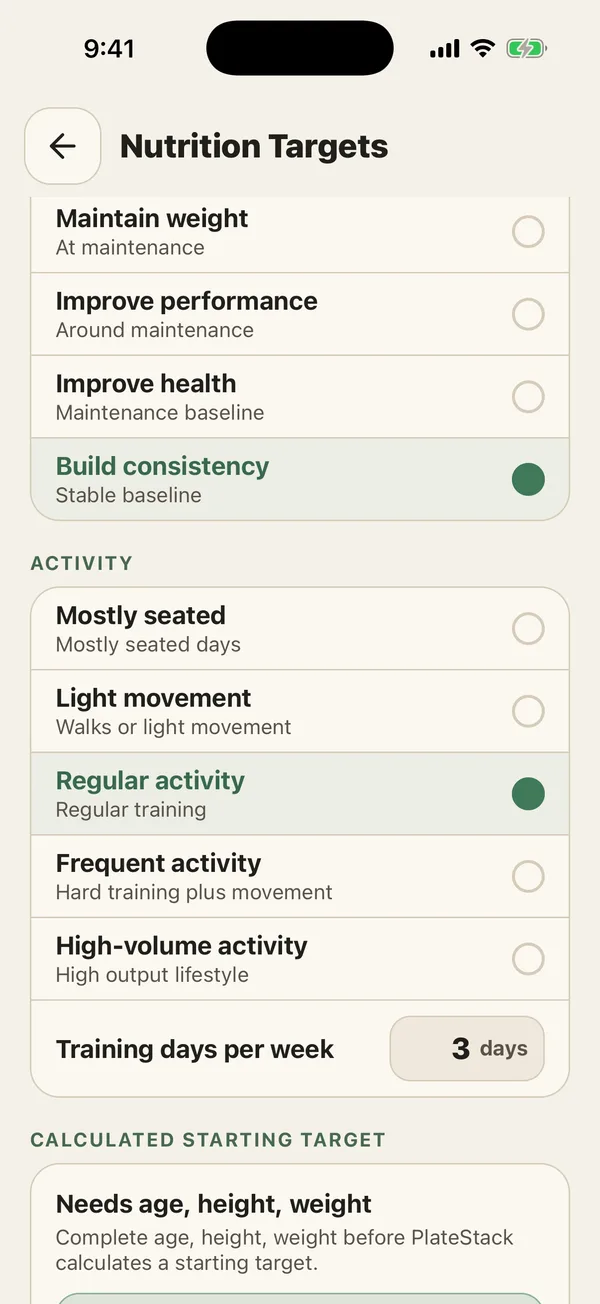
Set your targets
Choose goals you can review and edit later.
Step 2
Bring your history
Import workouts from Strong, Hevy, or a CSV file.
Step 3
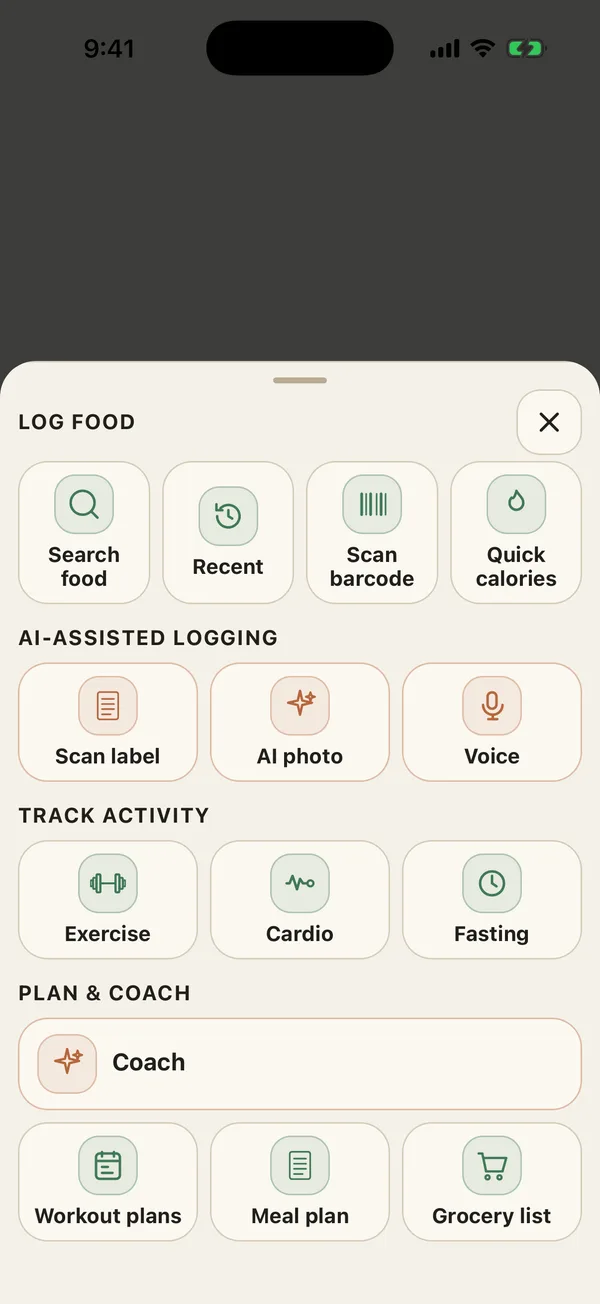
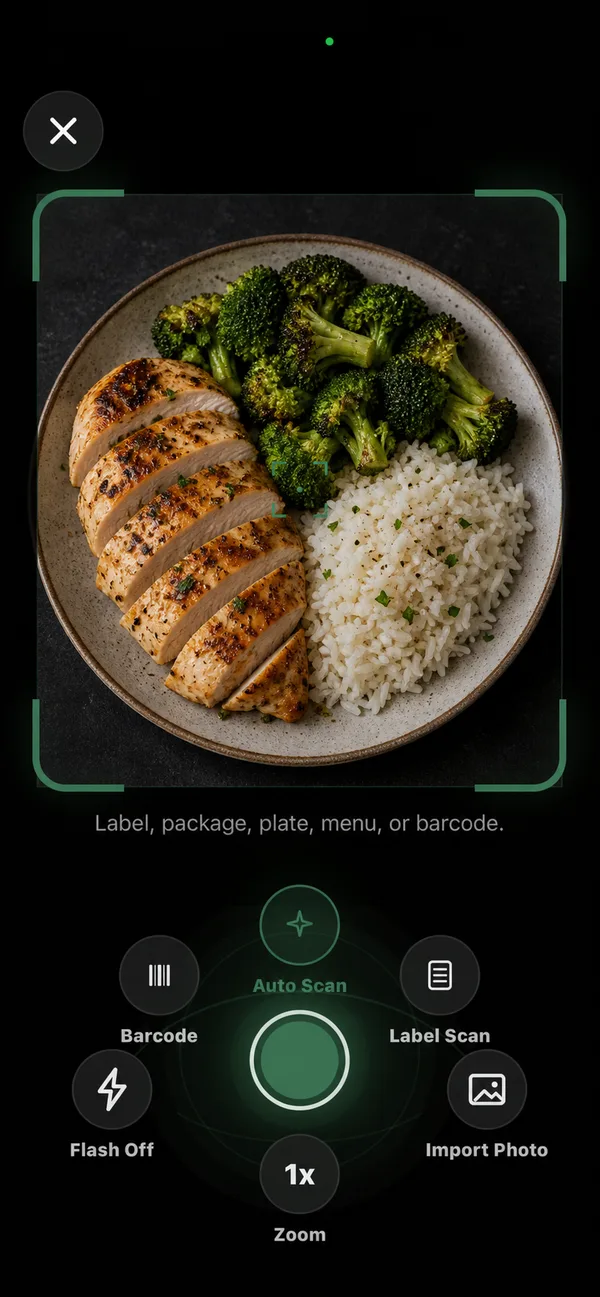
Log one meal
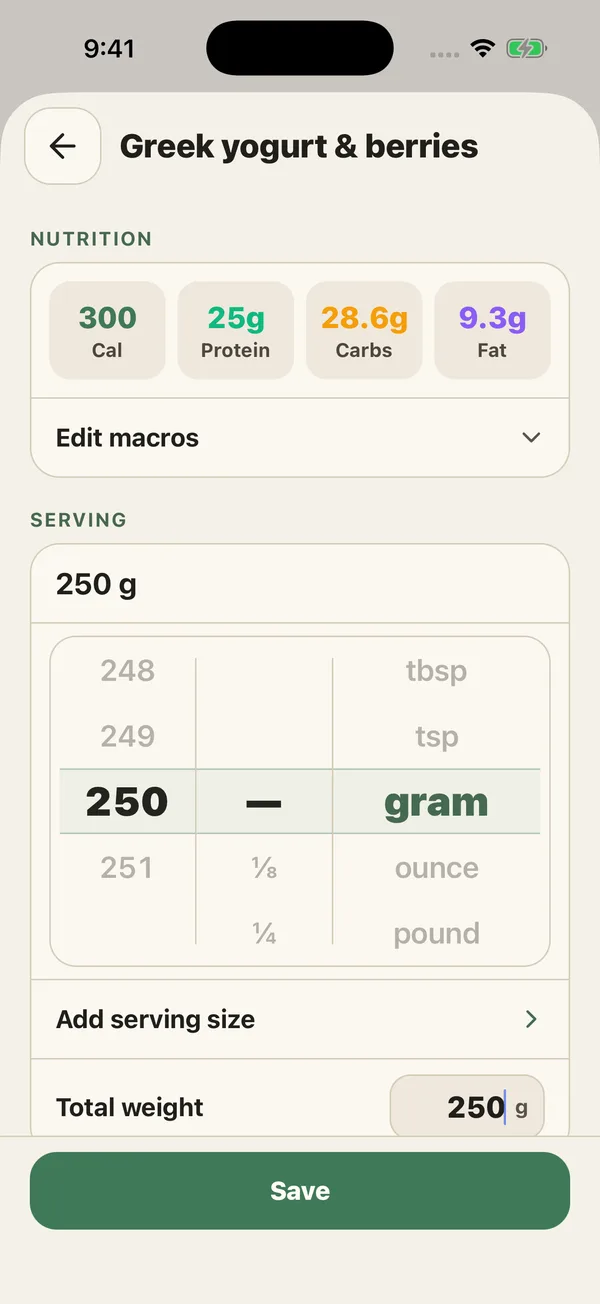
Search, scan a barcode, or snap the plate.
Step 4
Add the widget (iPhone)
Keep today visible from the Home Screen.
Log your first meal tonight.
Starter is free forever. Decide on Premium later, from your own record.